Figma storefronts built in Shopify
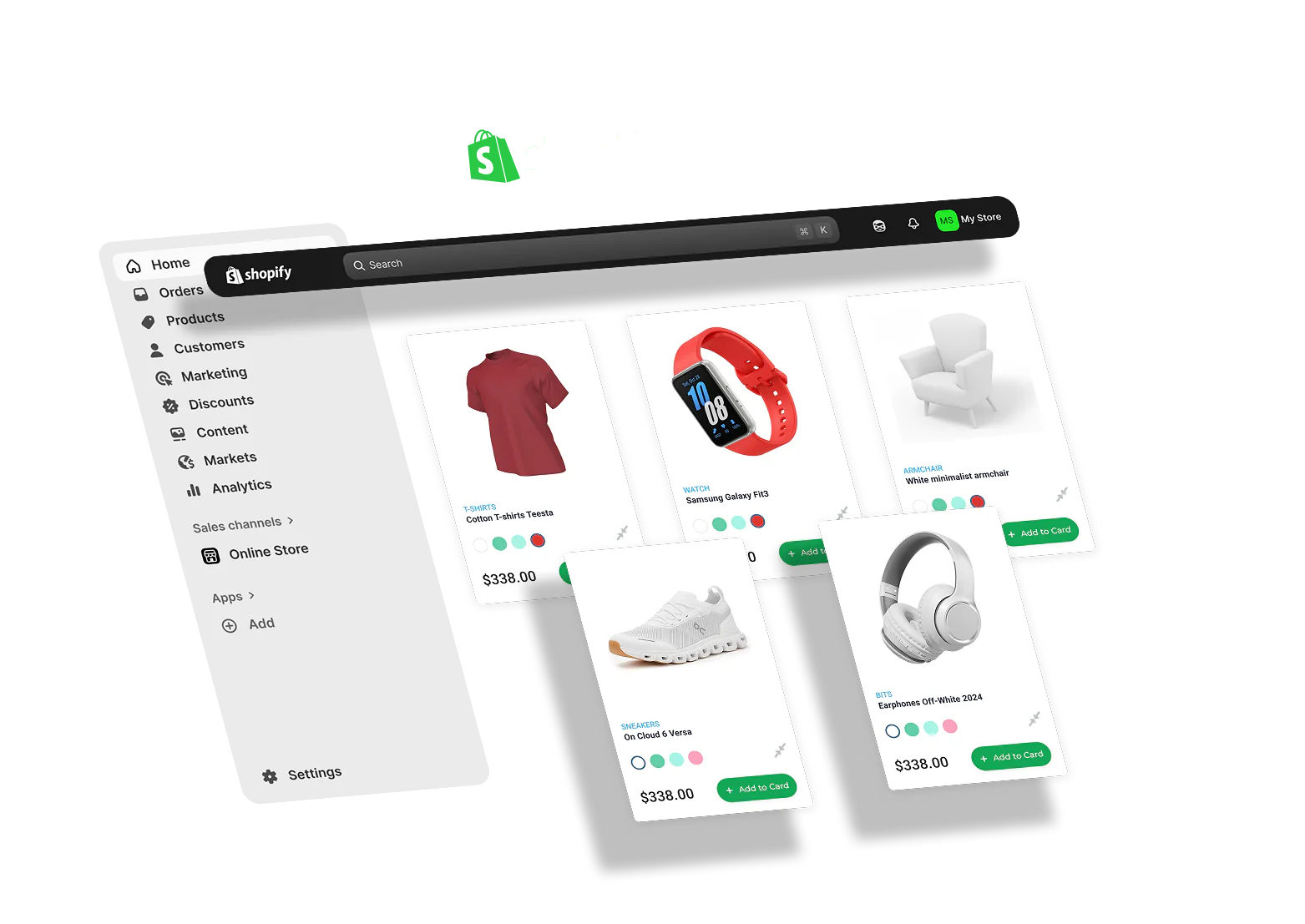
We convert approved Figma designs into Shopify Online Store 2.0 themes — section-based builds merchants can edit without breaking the layout.





Figma to Shopify — design-approved storefronts that merchants can run
E-commerce designs in Figma often die in translation — static mockups pasted into a generic theme, collection pages that ignore the catalog structure, and checkout flows nobody tested on mobile. Merchants can't edit safely; agencies get stuck in revision loops.
Icebreaker converts approved Figma designs into Shopify Online Store 2.0 themes with proper sections, metafields where needed, and collection templates built for real product data. Agency partners white-label us for client storefronts; brands bring us in when they're moving off marketplaces or outdated themes.
Need ongoing store ops after launch — apps, analytics, optimization? See Shopify Development and E-commerce Development. Merchant handoff and section architecture details below.
Shopify handoff problems we fix
Four problems we fix on almost every Figma-to-Shopify project before teams hire an agency.
Theme doesn't match Figma
Generic sections force compromises — typography, spacing, and product cards drift from the approved design.
Sections aren't merchant-safe
One edit in the theme editor breaks layout because sections weren't planned for real catalog data.
Mobile checkout ignored
Product pages look fine in desktop Figma frames; phones abandon at checkout.
Collections built wrong
Collection templates don't handle variant counts, sold-out states, or merchandising rules.
What's included in Figma to Shopify builds:
Figma & catalog review — map designs to Shopify sections, templates, and metafields before development
Theme development — Online Store 2.0 sections, product and collection templates, cart and key UX flows
Responsive QA — mobile-first product and checkout testing against approved designs
App & analytics wiring — essential apps, pixels, and conversion tracking configured at launch
Merchant handoff — editor guide for sections your team should duplicate vs developer-only areas
Merchant-ready themes
Section-first architecture — Online Store 2.0 sections planned for how merchants actually edit — not static HTML pasted into a template
Catalog-aware templates — product and collection pages built for variant counts, sold-out states, and real merchandising data
Launch checklist — domains, pixels, essential apps, and checkout flows verified before go-live
Agency white-label — we deliver theme files and documentation behind your client relationship — your brand stays client-facing
Recent
Case Studies
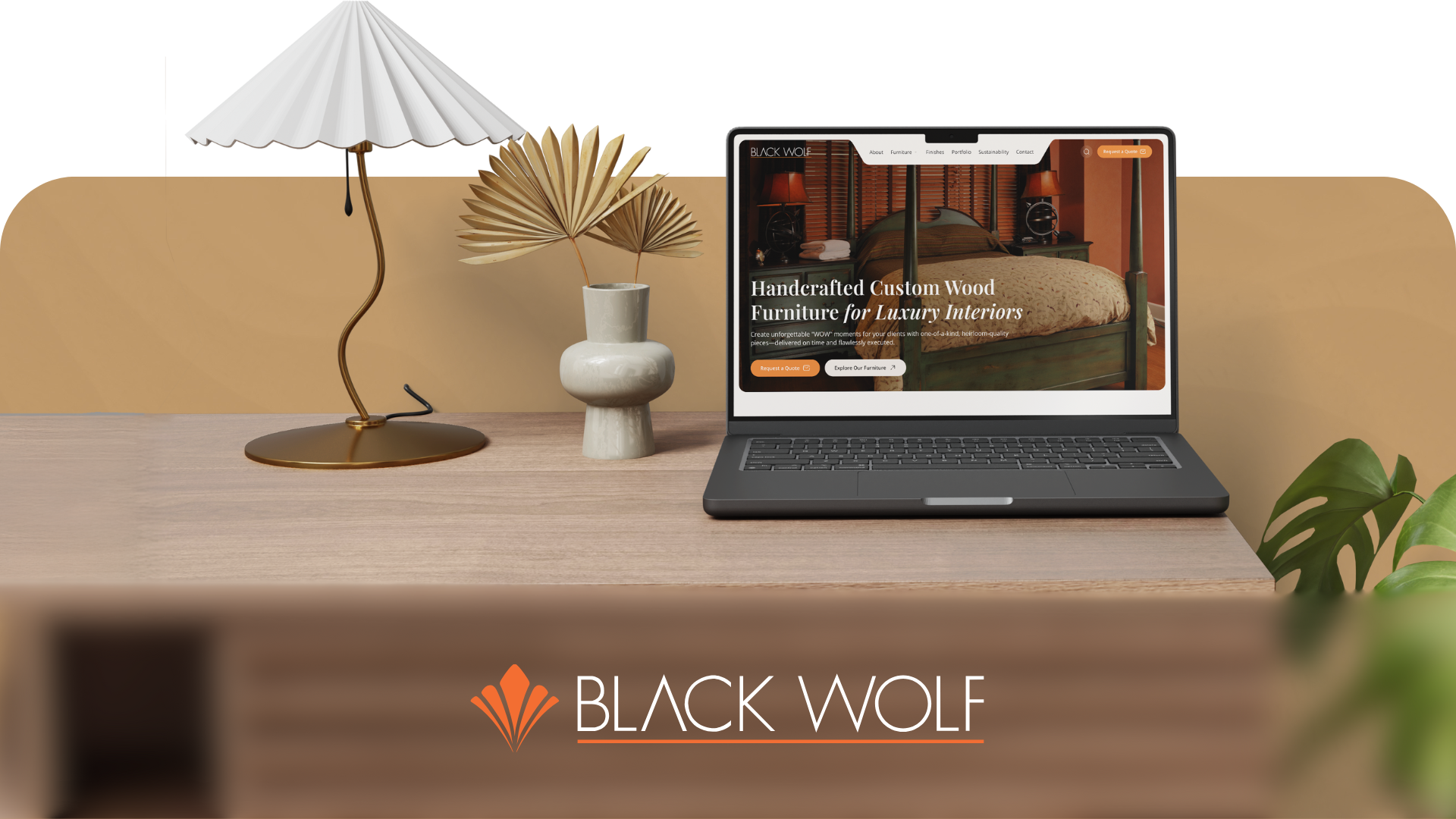
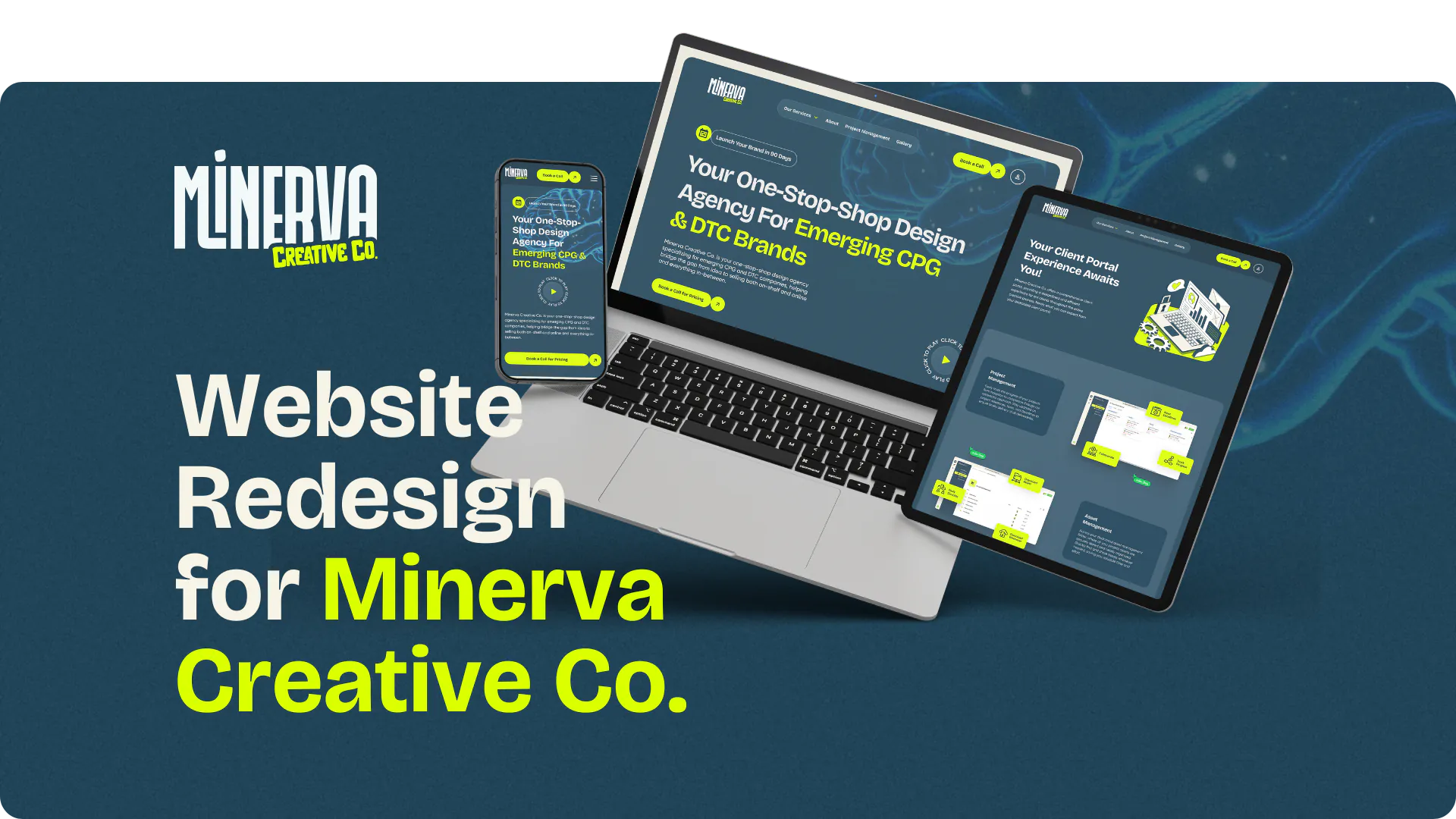
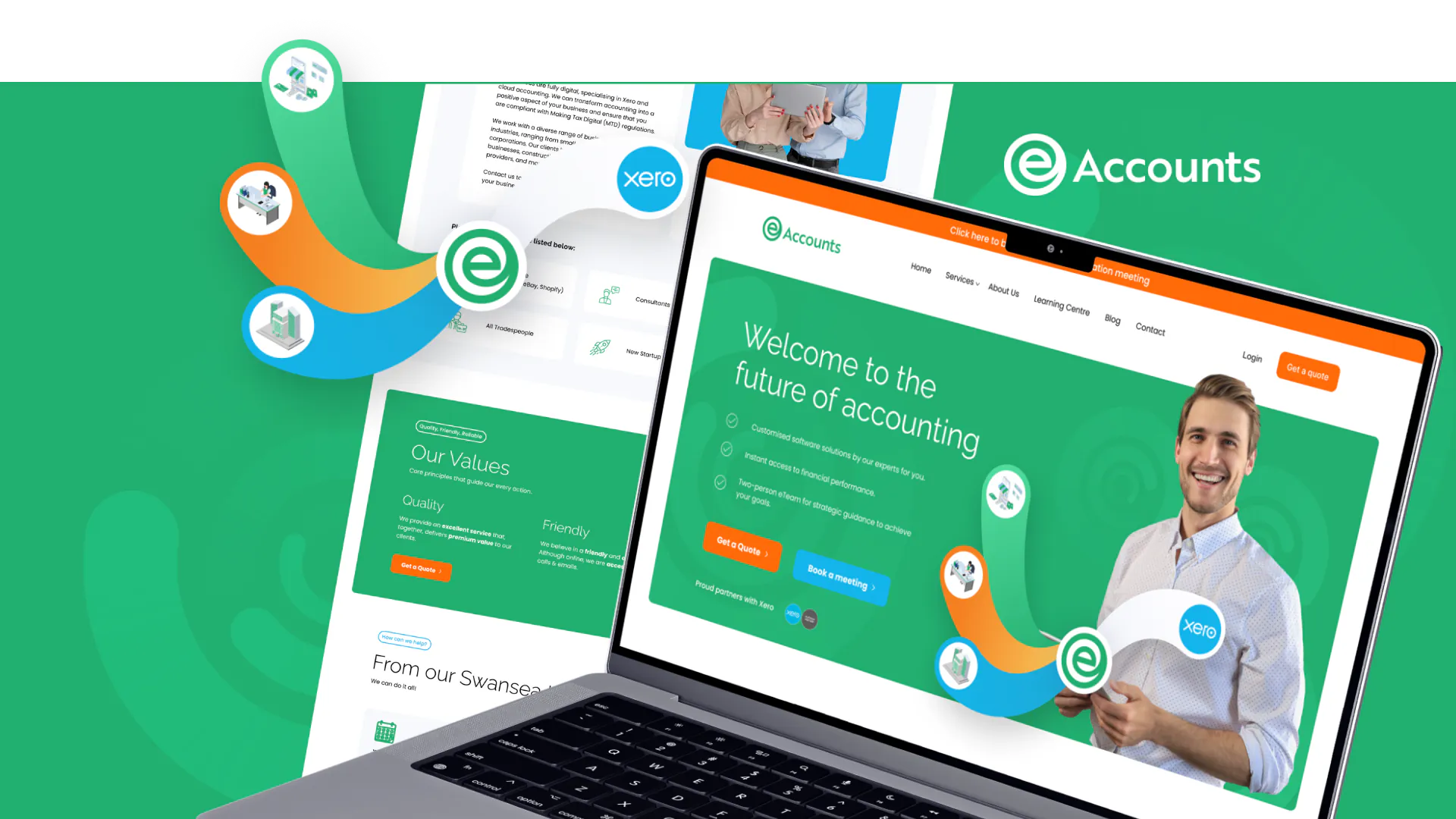
A sample of websites and brands we've built for clients — each project links to the full case study.


Apply To Work
With Us
We only take on a limited number of new clients each month. Fill out the short form below and we'll let you know if you're a good fit — no pressure, no obligation.

Questions answered
We usually recommend section-based rebuilds when the design diverges heavily from the current theme — we'll advise after reviewing Figma and your catalog.
We structure templates and can assist with initial catalog setup; bulk SKU work can be scoped separately.
Typical storefronts run 3–5 weeks depending on template count, collection complexity, and integrations.
Yes — we deliver theme files and documentation behind your client relationship.
This page is design-handoff focused. Shopify Development covers broader store ops, apps, and optimization after launch.
Yes — see UX/UI & Product Design for design plus build. Figma to Shopify is for teams that already have approved designs.