
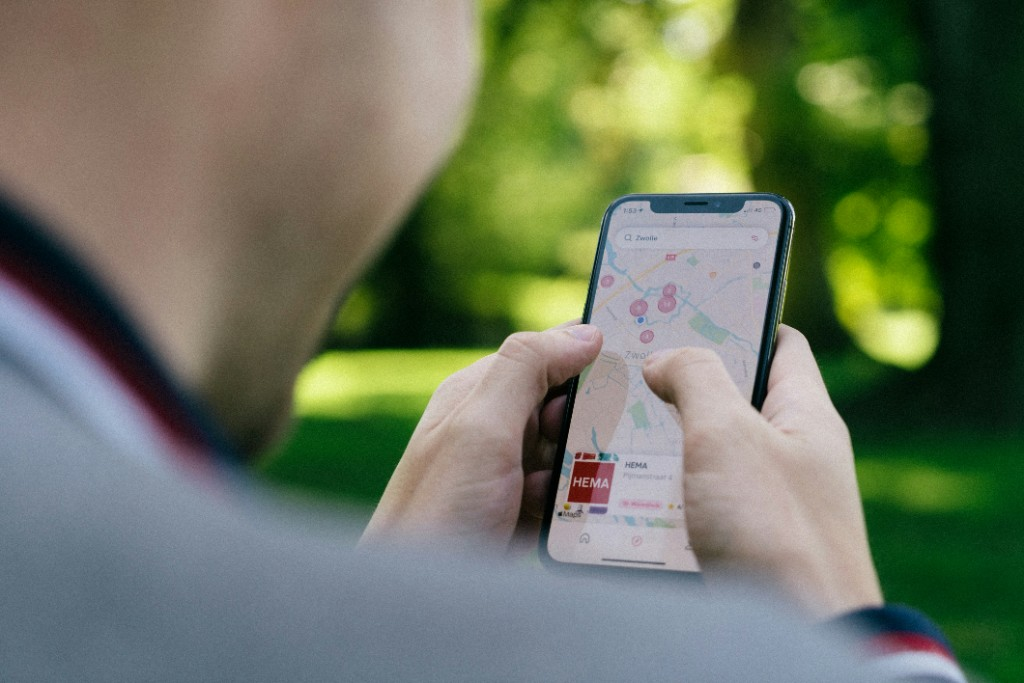
Google Business Profile gives local service businesses direct control over where they appear in search results, before anyone reaches a website. Most businesses claim their listing, fill in the basics, and stop. The platform has roughly twenty distinct optimization surfaces, including categories, services, photos, posts, Q&A, and attributes, and most local service businesses use a fraction of them. Those gaps show up in local pack rankings, where equally qualified businesses in the same market end up in very different positions.
Google Business Profile (GBP) is Google's free business listing platform that displays in local pack results and Google Maps. For local service businesses, it is the foundation of local search visibility: it determines whether a business appears in the local pack, which typically shows 3-5 businesses above organic results and captures the majority of local search clicks. GBP directly influences Google Maps rankings and voice search results from Siri and Alexa. The platform is free and directly controls what potential customers see before clicking.
This guide covers every optimization field in your Google Business Profile, from claiming the listing to measuring results. Each section builds on the previous one, creating a complete system you can follow step by step.
Step-by-step optimization system
The optimization process has eight phases. Each phase must be completed before moving to the next.
Phase 1: Claim and verify the listing
Unverified listings do not appear in the local pack. Visit business.google.com and search for your business address. If it exists, claim it by selecting "Claim this business" and following the verification process. Google sends a verification code by postcard, text, or phone call. Until verification is complete, your listing is not visible in search results.
Phase 2: Complete every available field
Every field in your GBP dashboard affects your ranking. Fill in the business name exactly as it appears on your signage. Use a consistent NAP (name, address, phone) across all directories. Enter your full street address if you serve customers at your location, or a service area if you work remotely. Add all phone numbers, including a dedicated business line and mobile number. Set accurate hours for every day you operate, including holiday hours. Include your website URL. Add at least two service areas if you travel to customers.
Phase 3: Select primary and secondary categories strategically
Your primary category must exactly match your core service. If you are an HVAC contractor, your primary category is "HVAC contractor", not "air conditioning repair service" or "heating repair." Secondary categories expand visibility without diluting the primary focus. HVAC businesses should list "air conditioning repair" and "heating repair" as secondary categories. Avoid selecting categories that describe different business types. A business listed as both "plumber" and "electrician" confuses Google's algorithm and may not rank in either category.
Phase 4: Add a complete business description
You have 255 characters for your business description. Use them strategically. Include your primary service, your service area, and one distinguishing qualification. Write for humans first, search engines second. For example: "Family-owned HVAC contractor serving [city] since 1995. NATE-certified technicians. Same-day emergency service available. Free estimates on new installations."
The business description does not directly influence ranking, but it appears prominently in your listing and affects whether visitors click through to your website.
Phase 5: Upload photos regularly
Listings with photos receive 42% more requests for directions and 35% more website clicks compared to listings without photos, according to Google's Business Profile best-practices data. Upload photos weekly, minimum five per week. Include exterior photos that establish location credibility. Interior photos build trust before the customer visits. Team photos humanize your business. Work-in-progress photos demonstrate capability. Before uploading, rename files with descriptive names like "hvac-technician-performing-ac-inspection.jpg": this adds context and improves image search visibility.
Phase 6: Publish Google Posts weekly
Google Posts appear directly on your listing and expire after 7 days. Consistent posting keeps your profile active and signals to Google that your business is actively managed. Recommended cadence is 1-2 posts per week. Post types include offers, updates, events, and seasonal tips. Include a call-to-action button in every post: "Book," "Order online," "Learn more," or "Sign up." Seasonal posts ("AC maintenance tips for summer") build topical relevance and align your business with seasonal search demand.
Post at least twice monthly to avoid the "inactive profile" ranking signal. If you skip more than two weeks without posts, your listing may drop in local pack rankings.
Phase 7: Build and manage reviews
Reviews are a top ranking signal for local pack visibility. More reviews and higher ratings improve your position. Request reviews after completed jobs. Timing matters: include a direct link to your review form in follow-up communications. Respond to every review, positive and negative, within 24-48 hours. Address negative reviews professionally without being defensive. Use negative reviews as an opportunity to demonstrate customer service. Potential customers read every response.
Phase 8: Measure performance
Track three core metrics in the Insights tab of your GBP dashboard: searches showing your business, requests for directions, and website clicks. Monitor weekly: trends matter more than single data points. Compare performance before and after optimization changes to identify what works. Insights data is free and available instantly.
Category selection strategy
Selecting the right categories is one of the most consequential decisions in your GBP optimization. Categories determine which searches trigger your listing.
Primary category rules
Your primary category must exactly match the service you provides. It is not your business name, your company history, or a generic industry label. If you repair furnaces, your primary category is "furnace repair service", not "heating contractor." This specificity maps directly to high-intent searches. Users searching for "furnace repair near me" are ready to hire someone. A listing with the correct primary category wins that query.
Secondary category rules
Secondary categories expand your visibility without diluting your primary focus. Add secondary categories for services you genuinely provide. For an HVAC business, these might include "air conditioning repair service," "heating contractor," and "air duct cleaning service." Each secondary category is another gate you hold for additional searches. Do not add categories for services you do not offer. Google may suspend your listing for misrepresentation.
Category mistakes to avoid
Never list categories that require different business types. Do not list "plumber" for an electrical business. Do not list "landscaping" for a cleaning service. When you list a category, Google expects your business to be able to perform that service. If you cannot fulfill the category's implied promise, your listing becomes a target for customer complaints and suspensions.
Photo and visual optimization
Visual content drives engagement on your listing. Photos increase direction requests by 42% and website clicks by 35%, per Google's Business Profile best-practices data. Every photo you upload represents an opportunity to shape what potential customers see before they contact you.
Photo types that work
The most effective photo types for service businesses are: exterior shots showing your building or van at a customer's location; interior shots of your office or showroom; team photos featuring your technicians in uniform; work-in-progress shots showing your team on the job; and completed project shots demonstrating finished work. The human elements matter most. Listings featuring team members receive more engagement than stock photography or empty rooms.
Photo naming strategy
Before uploading, rename your photo files descriptively. "IMG_3847.jpg" becomes "hvac-technician-performing-ac-inspection.jpg." This adds context to your images and can improve visibility in Google Images. File names are not a primary ranking factor for your listing, but they contribute to image relevance for service-related searches.
Photo cadence
Upload minimum five photos per week. Rotate through different photo types to keep your listing fresh. Do not upload all photos at once and stop. Google flags abandoned listings. Consistent visual activity signals an actively managed business.
Google Posts cadence and strategy
Google Posts are small updates that appear on your listing. They expire after seven days, making consistent posting essential for visibility.
Post types
Four post types work for service businesses: offers featuring discounts, promotions, or seasonal deals; updates announcing new services, certifications, or team members; events for community involvement or workshops; and seasonal tips providing relevant maintenance advice or safety reminders.
Call-to-action requirement
Every post should include a CTA button. The most effective for service businesses are "Book" for scheduling appointments and "Learn more" for content that requires a website visit. Buttons are clickable and drive measurable traffic.
Post cadence
Post minimum once per week, ideally twice. Align posts with seasonal demand. In cooling season, post about AC maintenance. In heating season, post about furnace tune-ups. This topical relevance builds authority for seasonal search terms.
Q&A management
The Q&A section lets anyone ask questions on your listing. Unanswered questions reflect on your business.
Seeding common questions
Proactively seed your Q&A with 5-10 questions covering pricing, services, licensing, and availability. Draft questions that start with "How long does..." or "Do you..." and answer them yourself. This pre-populates the section with professional responses. Questions you seed should represent what actual customers would ask.
Monitoring weekly
Check your Q&A weekly for new questions. Answer within 24 hours if possible. Unanswered questions after 48 hours suggest poor customer service to anyone viewing your listing.
Review strategy for service businesses
Reviews directly affect local pack rankings and convert searchers into customers.
Request timing
Ask for reviews immediately after completing a job. Send a follow-up email with your review link while the work is fresh in the customer's mind. Include one click to leave a review. Friction reduces response rates.
Response strategy
Respond to every review within 24-48 hours. For positive reviews, thank the customer and reference something specific from their job. For negative reviews, acknowledge the concern, apologize, and offer to resolve offline. Never be defensive. Potential customers read reviews and responses carefully.
Negative review handling
A single negative review, well-handled, can win more trust than a dozen five-star reviews. Respond professionally, take responsibility where appropriate, and offer to make things right. This public display of customer service values converts skeptical prospects.
Common GBP mistakes to avoid
These mistakes can get your listing suspended or significantly reduce your visibility.
Using keyword stuffing in your business name will get your listing suspended. Google explicitly prohibits keywords in business names. "Joe's Plumbing Best Plumber Near Me" is a suspension risk. Use your legal business name exactly as it appears on your signage.
Inconsistent NAP information across directories hurts local SEO. Your name, address, and phone number must match exactly on every directory and website. Inconsistencies confuse Google's algorithm and dilute ranking signals.
Not choosing a primary category means Google assigns one automatically. An auto-assigned category may not match your primary service. Select your categories deliberately.
Posting too infrequently signals abandonment. Listings without recent posts drop in local pack rankings. Post at least twice monthly.
Ignoring Q&A lets unanswered questions persist. Unanswered questions appear on your public listing and reflect poorly on your business.
Not responding to reviews misses engagement opportunities. Both positive and negative reviews should receive responses within 48 hours.
Measuring GBP performance
Your GBP dashboard includes Insights, a free performance tracking tool.
Core metrics
Three metrics matter: searches (how many users found your listing in search), direction requests (how many users requested directions to your location), and website clicks (how many users clicked through to your website). These three numbers tell you whether your optimization is working.
Tracking cadence
Review Insights weekly. Single data points are less meaningful than trends. Compare weekly and monthly data to identify improvement or degradation.
Before-and-after analysis
Make one optimization change at a time. If you add categories, track whether searches increase over the following two weeks. If you upload more photos, track direction requests. Quantifiable improvement validates your efforts.
Once your GBP is fully optimized, you're eligible for Local Service Ads, which appear above the local pack for verified service businesses.
Summary: your GBP optimization checklist
Complete each phase in order:
- Claim and verify your listing
- Fill every field completely
- Select strategic categories
- Add a complete business description
- Upload photos weekly
- Post 1-2 times per week
- Build and respond to reviews
- Track Insights weekly
This process directly improves your local pack visibility. Each completed phase builds on the previous one. The checklist gives you a repeatable system for ongoing optimization.